Watch Travel With Glen on your TV.
388 free titles from Costa Rica, Nicaragua, Florida and beyond, plus classic movies and calm national park music. No sign-up, no subscription, no ads.
Prefer to browse first? See it in the Roku Channel Store.
On Fire TV? Get it on the Amazon Appstore, or search Travel With Glen on your Fire TV.
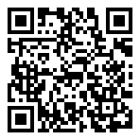 Scan with your phone
New on the channel
 Baked Potatoes With Herbs And Spices With Olive Oil | Baked and Roasted Potatoes Easy Healthy RecipeTabs Yummy Recipes shows how to roast potatoes with herbs, spices, and olive oil.
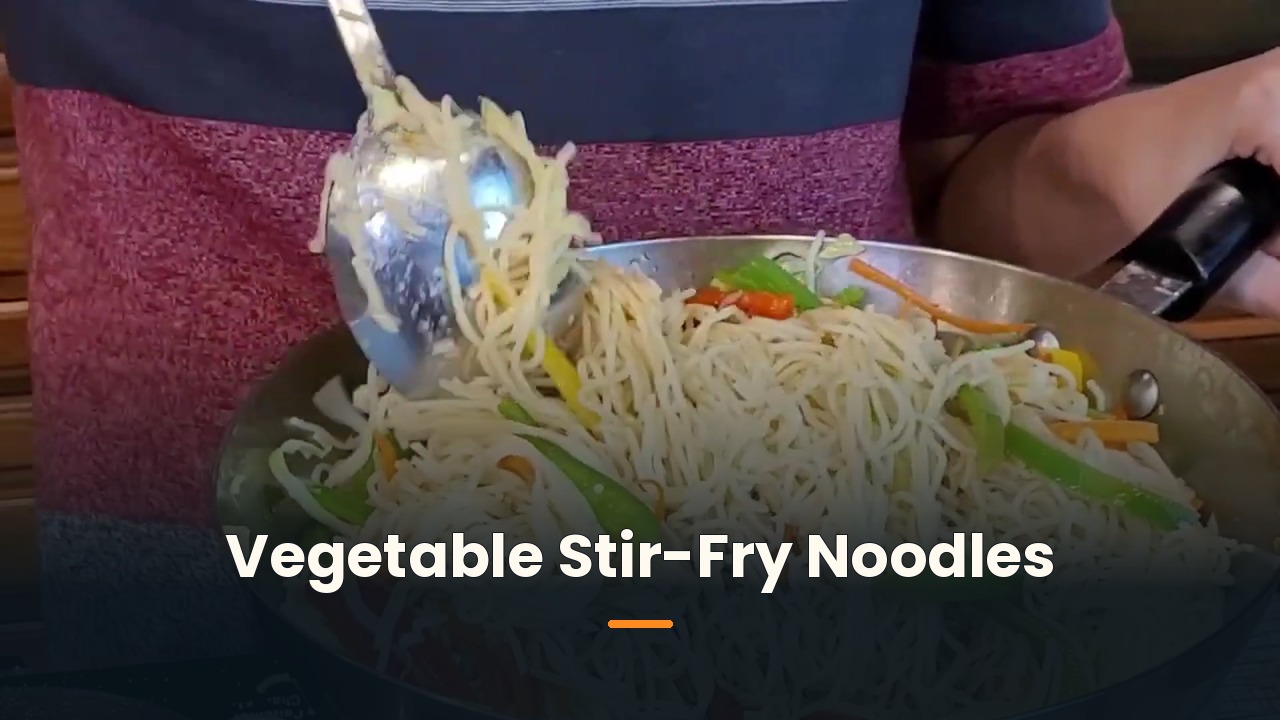 Stir Fry Vegetable Noodle Recipe At Home | Easy and healthy Vegetable Noodles RecipeTabs Yummy Recipes demonstrates a quick vegetable noodle stir-fry.
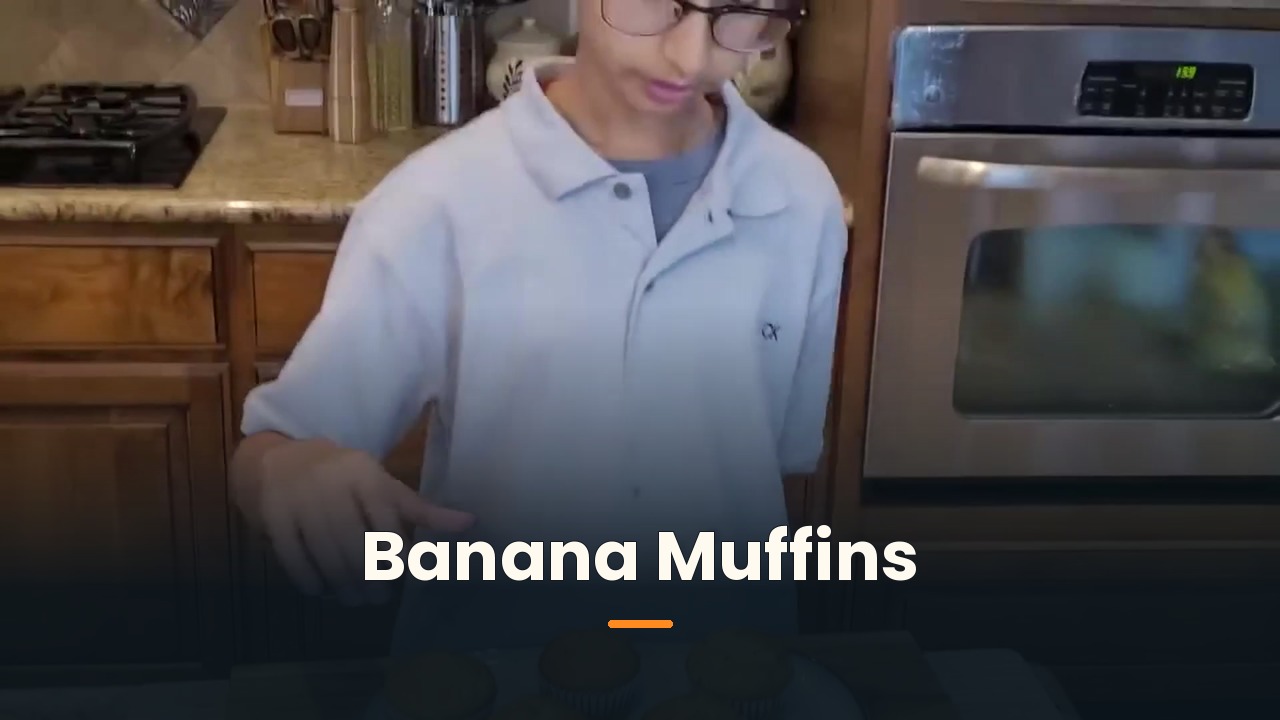 Soft And Moist Banana Muffins Recipe | Homemade Banana Muffins Recipe at homeTabs Yummy Recipes demonstrates how to make soft homemade banana muffins.
 San Francisco at Night | Holiday Tour AdventureFillpot Adventures takes a holiday night tour through San Francisco, from Pier 39 to the Bay Bridge and Treasure Island.
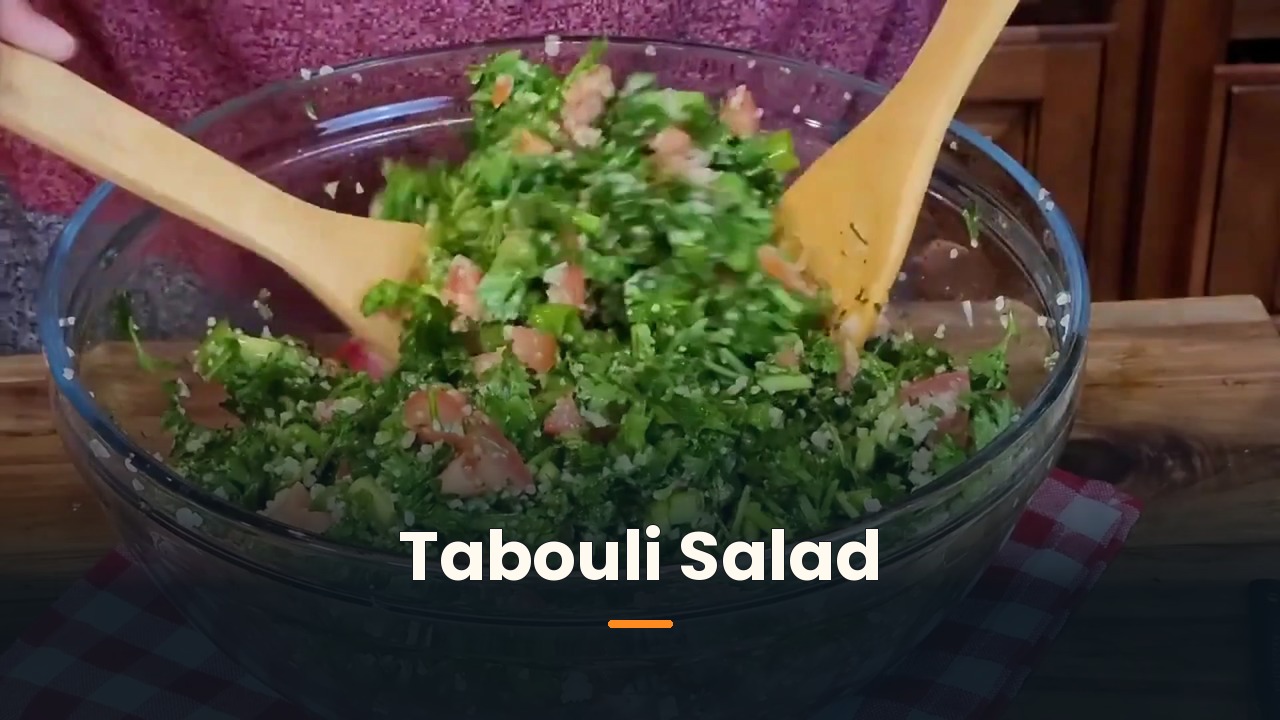 Tabouli Recipe With Bulgur Wheat Healthy | How To Make Tabouli Salad RecipeTabs Yummy Recipes demonstrates a tabouli salad made with bulgur wheat.
 How To Make Fastest Fresh Hummus Recipe From Scratch | Hummus Recipe For Lunch/DinnerTabs Yummy Recipes shows how to make fresh hummus from scratch.
How to add it on Roku
- On your phone or computer. Tap Add the channel and sign in to your Roku account. It shows up on your TV the next time it updates, or right away if you restart the Roku.
- On your TV. Press Home on the Roku remote, open Search, and type Travel With Glen.
- With the code. At my.roku.com, choose Add channel with a code and enter TQGKVJX.
How to add it on Fire TV
- On your TV. Go to Find on your Fire TV home screen, search Travel With Glen, and select Get.
- On your phone or computer. Open Travel With Glen on the Amazon Appstore, choose your Fire TV device, and select Get App. It installs the next time your Fire TV is on.
Video won't play on Roku?
Long videos and movies need the current version of the channel, and the current version needs Roku system software 15.1 or newer. Update both:
- Update your Roku. Go to Settings, then System, then System update, then Check now. Let it install and restart.
- Update the channel. Highlight Travel With Glen on the home screen, press the star (*) button on your remote, and choose Check for updates. If you don't see that option, remove the channel and add it again from the Channel Store.
- Play it again. Open Travel With Glen and start the video.
Very old Roku models that cannot reach 15.1 will not get the update. You can also watch free in your browser at tv.successaihub.com.
What's on the channel
- Destinations102 titles Cities, islands and national parks, filmed on the ground and told the way Glen would tell a friend.
- Travel Smarter46 titles Money, gear, safety and booking tips that save you real trouble on your next trip.
- Quick Escapes38 titles Short trips, food stops and easy getaways for when you only have a weekend.
- Talk Travel27 titles Conversations and deep dives on how travel is changing.
- Documentaries25 titles Longer looks at places, history and the people who live there.
- Classic TV37 titles Vintage adventure and travel series from television's early years.
- Classic Movie Night40 titles Restored public-domain feature films, introduced by Glen.
- Animated Shorts12 titles Short animated films from independent artists and open movie projects.
- Unwind13 titles National park footage set to calm music. Put it on and breathe.
Same channel, same titles on Roku and Fire TV. New titles show up on both at the same time.
Coming up
Read Along Everyday English, Season One. A new English lesson with Spanish guidance, Sundays at 10 AM Eastern. Dates are the plan and can move.
- Nov 15Episode 3: My Family and Friends
- Nov 22Episode 4: Numbers, Days and Time
- Nov 29Episode 5: My Everyday Routine
- Dec 6Episode 6: Food and Ordering
- Dec 13Episode 7: Shopping and Prices
- Dec 20Episode 8: Places and Directions
- Dec 27Episode 9: Asking for Help
- Jan 3Episode 10: A Day in the Neighborhood
Browse the full catalog or get the setup guide (en español).
Questions
Is Travel With Glen TV free?
Yes. The channel is free on Roku and Fire TV, with no sign-up, no subscription and no ads.
How do I add it on Roku?
Press Home on your Roku remote, open Search, and type Travel With Glen. You can also add it at my.roku.com with channel code TQGKVJX.
How do I add it on Fire TV?
Go to Find on your Fire TV home screen, search Travel With Glen, and select Get. You can also install it from the Amazon Appstore on your phone or computer.
What can I watch on the channel?
Destination guides, travel tips, quick escapes, documentaries, classic TV and movies, and Unwind, which pairs national park footage with calm music. The full list by category is on the catalog page.
How often is new content added?
Regularly, but not on a fixed calendar. Some programs run on a schedule, like the weekly Read Along Everyday English lessons listed above. New titles appear on Roku and Fire TV at the same time.
Is it available outside the United States?
Yes. You can add the channel in Central America as well as the United States. In other countries it depends on the Roku or Amazon store there.
Is it on other TV platforms?
Roku and Fire TV are the two TV platforms today. You can also watch free in your browser at tv.successaihub.com.
Do I need an account?
Adding a channel on Roku needs a Roku account, and on Fire TV it needs an Amazon account. Watching the channel is free.
A video will not play on Roku. What do I do?
Update your Roku system software (15.1 or newer) and then update the channel. The steps are in the "Video won't play on Roku?" section on this page.